
How to Apply for Sales Tax Registration and File a Sales Tax Return in Taxila?
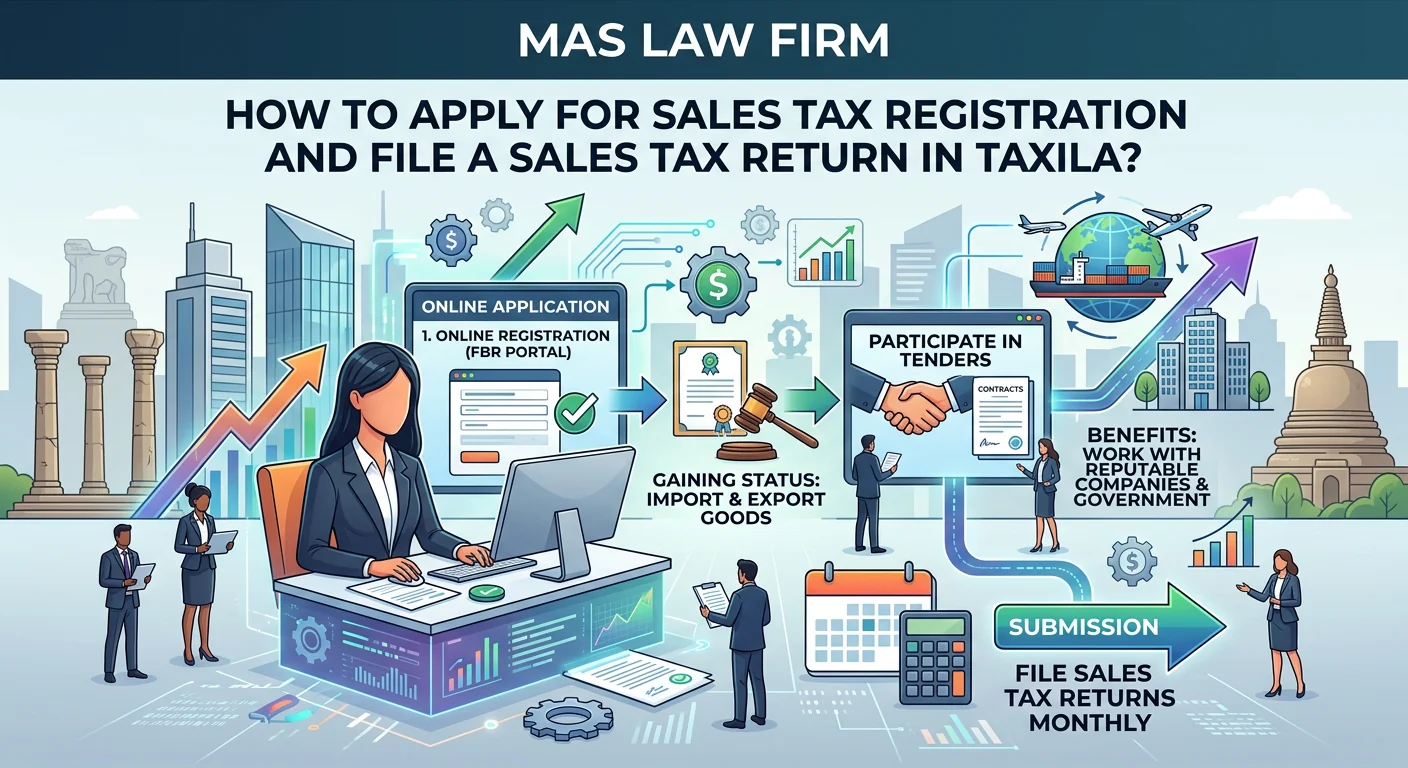
Registering for Sales Tax in Taxila is a crucial step for any business, as the Federal Board of Revenue monitors all transactions. As a registered person, you can import & export goods or services and work with any reputable company or government organization in Pakistan. Without Sales Tax registration, you cannot participate in tenders.
Sales Tax Registration Basics
To file a Sales Tax Return, you must register with the Federal Board of Revenue (FBR). Upon registration, you receive a Sales Tax Registration Number (STRN) and a User ID and Password. These credentials provide access to the e-file portal for submitting the Sales Tax Return.
Online Sales Tax Return can only be filed via e-file portal of FBR.
Mandatory Documents for Sales Tax Registration
Bank Account Maintenance Certificate
Bank account maintenance certificate mentioning IBAN Number for FBR verification
Photo of Business Premises
GPS-tagged photographs of the business premises from outside and inside
Electricity Bill of Business Premises
Recent electricity bill of the business premises showing active connection
The Procedure of Sales Tax Registration in Taxila
Using IRIS Portal select Form 14(1), when you select this Form system will ask you about the following information:
Tax Period
Select your tax period for filing sales tax returns.
Individual Type
Select whether you are a Manufacturer or Non-Manufacturer.
Principal Officer Details
For AOP and Company, provide details of the Principal Officer/Authorized Representative.
Bank Account
Bank Account Maintenance Certificate with IBAN Number.
Business Details
Details about the business, such as its name, activities, and address.
GPS-tagged Photos
GPS-tagged Photographs of Business Premises.
Utility Bills
Gas and electricity bill supplier with consumer number and utility bill image.
Submit Application
Submission of Application Form 14(1).
Receive STRN
Issuance of Sales Tax Registration Number.
Biometric Verification
After obtaining the registration number, the applicant must visit the NADRA E-Sahulat Centre within 30 days for biometric verification. If verification fails, the person's name is removed from the Active Taxpayer list for Sales Tax.
Following is the list of NADRA e-Sahulat Centers to facilitate the registered persons for biometric verification.
Post Verification – Manufacturer
After obtaining the registration number, the applicant must visit the NADRA E-Sahulat Centre within 30 days for biometric verification. If verification fails, the person's name is removed from the Active Taxpayer list for Sales Tax.
Sales Tax Registration via Iris Mobile Application
You can also apply for Sales Tax Registration using the Iris Mobile Application or the Tax ASAAN Mobile Application.
Guidelines for Sales Tax Registration via the Iris Mobile Application are available on Tax Asaan Mobile Application.
Change in Particulars of Registration
If there's a change in the FBR Profile or registration details, the registered person must notify the RTO using the prescribed form within fourteen days.
Transfer of Registration
If a registered person shifts business activities to another jurisdiction, they must provide a valid reason through a written application to the Commissioner of Inland Revenue at the RTO handling their case.
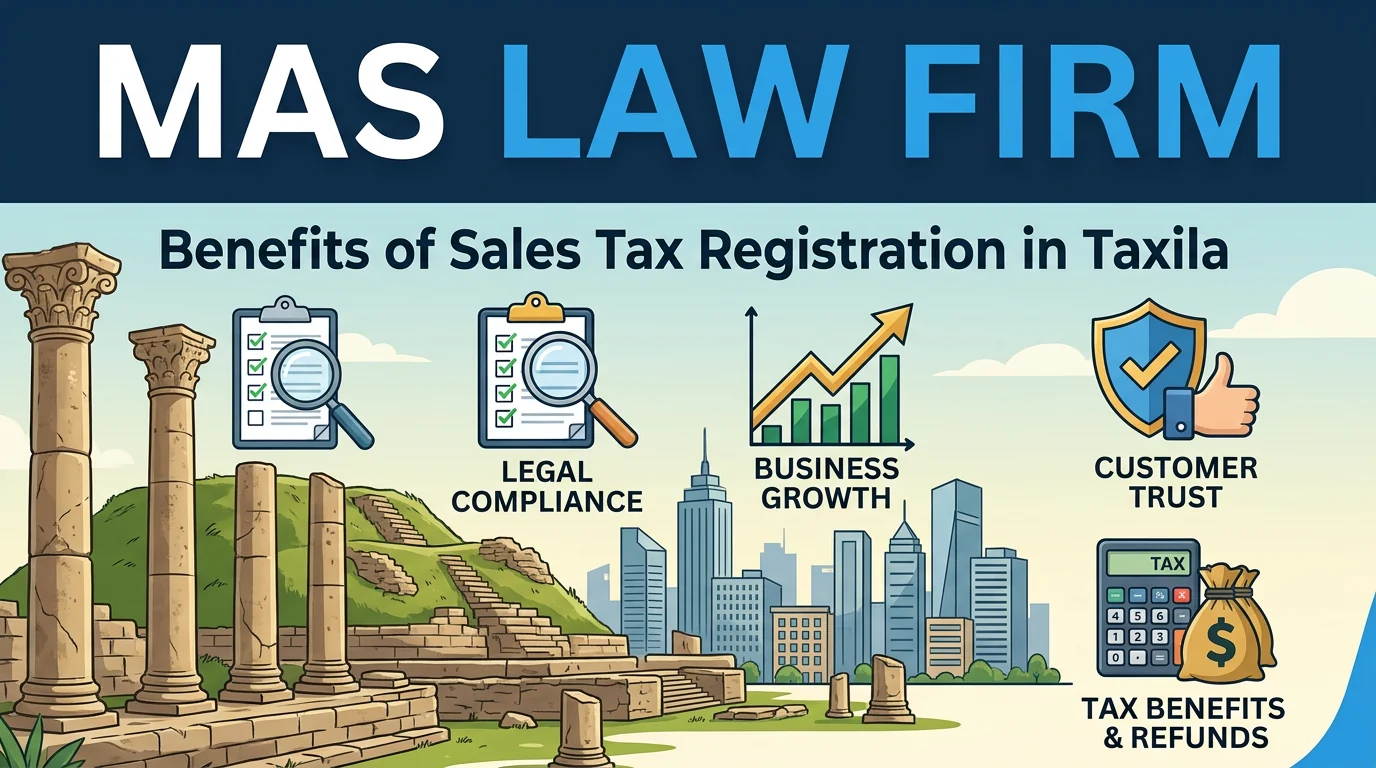
Benefits of Sales Tax Registration in Taxila
De-Registration of Sales Tax
For deregistration, an application will be submitted to the Commissioner of Inland Revenue with jurisdiction.
De-registration can be made for the following Persons:
- Who ceases to carry on the business, or
- If a registered person's supplies become exempt from sales tax or turnover falls below the minimum threshold.
Filing Sales Tax Return in Taxila
Every person registered under the Sales Tax Act, 1990, or the Federal Excise Act, 2005, has to file a Sales Tax Return monthly.
A Sales Tax return is a declaration where the taxpayer provides transaction details for a tax period and pays the Sales Tax liability.
When preparing the return form, the taxpayer declares input and output tax based on the transaction's sales tax rate. If input tax exceeds output tax, the system shows a refund claim. If output tax exceeds input tax, the taxpayer must deposit the sales tax with the return.
If the Sales Tax Return is not filed within six months, special approval from the commissioner of Inland Revenue is required to submit it on valid grounds.
Electronic Filing of Sales Tax Return
All Registered Persons can file through the Electronic filing portal of the Federal Board of Revenue.
Revised Sales Tax Return
A registered person can file an amended Sales Tax Return within 120 days of the original filing to correct mistakes, with the Commissioner's approval.
Active Taxpayer List (ST)
The Active Taxpayer List (ST) is a central record where we can check out the status of Active Taxpayer filers of Sales Tax.
Sales Tax Refund
If input tax on taxable purchases exceeds output tax on exports or zero-rated supplies, the excess input tax will be refunded to the registered person. The refund period is within forty-five days of the claim filing, subject to board conditions.
Sales Tax Refund Processing through the FASTER System
To claim a Sales Tax Refund through the FASTER System, follow the guidelines for filing Annex H.
Sales Tax Due Dates
Registered individuals must file their sales tax returns based on their principal activity or category either monthly, quarterly, or annually. Typically, a registered person files a monthly return as Annex-C by the 10th, makes payment by the 15th, and e-files the return by the 18th of the month.
Sales Tax Records
Every registered person must maintain a sales tax record at their business premises.
Record of Sales
The Sales Record should specify the following details of goods supplied or services rendered:
- Description
- Quantity
- Value
- Name and address of the customer
- and the amount of tax charged
Record of Purchases and Imports
Registered persons must maintain all purchase and import files, indicating the following details:
- Description
- Quantity
- Value
- Name, Business address and Sales Tax registration number of the supplier
- Amount of tax paid on purchases
Record of Payments Receipts
All payment receipts for sales tax on purchases or supplies over Rs. 50,000 (excluding utility bills) must be made through banking instruments specifying the bank accounts of both sellers and purchasers.
Keep photocopies of all cheques and pay orders for Sales Tax payments and receipts secure. Additionally, maintain bank statements for compliance with section 73 of the Sales Tax Act 1990 to prevent audit issues and notices.
POS Retailers – Procedure for FBR Integration
Below is the detailed procedure for Registered Persons integrating Tier 1 Retail POS with FBR:
Get Expert Sales Tax Support Today
Contact MAS Law Firm for professional sales tax registration and return filing services. Call +92 332 7771392 or reach out via email for expert guidance.